
SeeClap
Your films on every screen, in one click
Install the app on your computer and you are done — it really is one click. Your phone and your television find it on their own.
Immediate
Free, with your account
Nothing to configure
Download it. That's it.
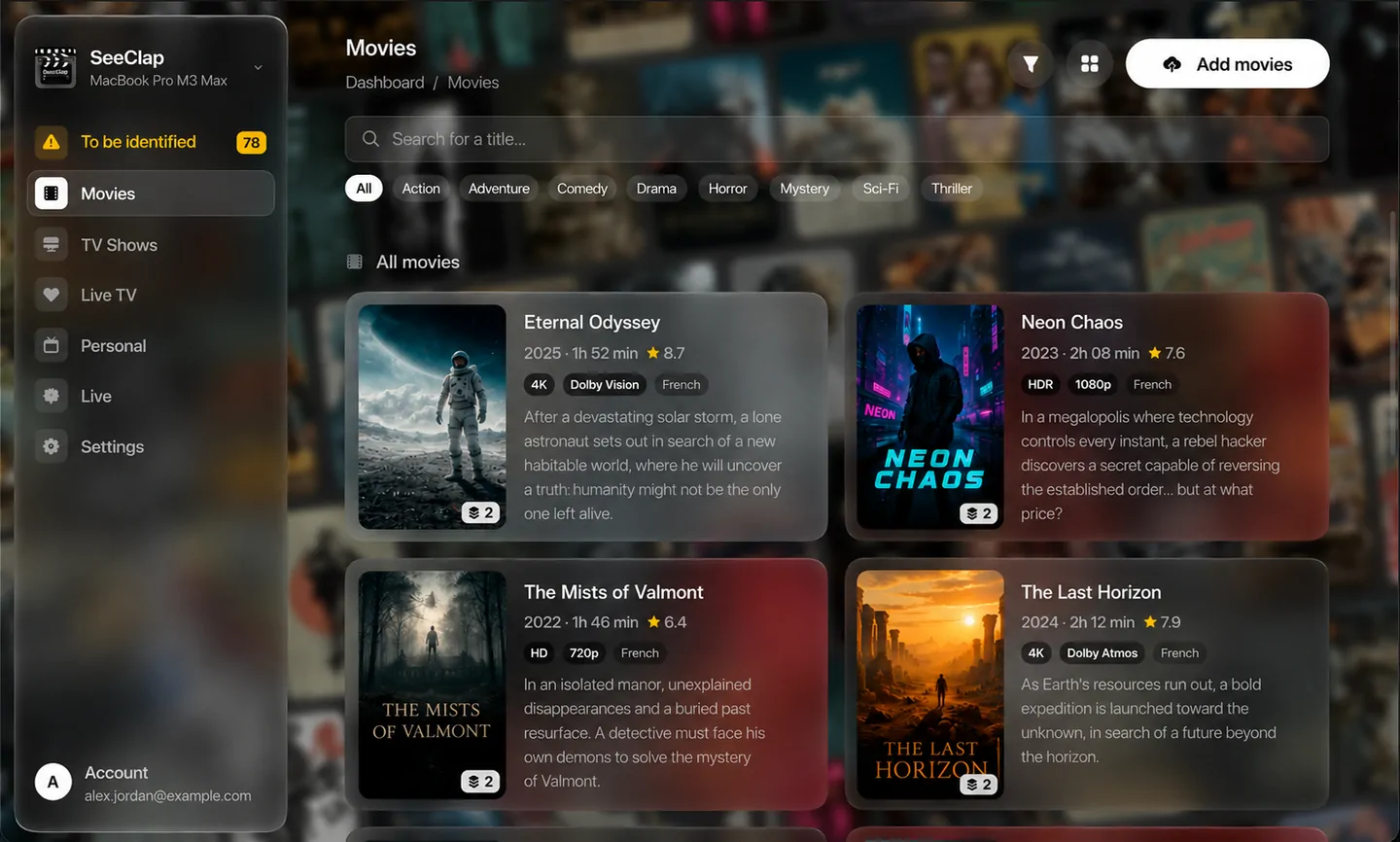
One application, on the computer you already use. It holds your films and serves them to every screen in the house — no port, no address, nothing to configure. Your phone and your television find it by themselves.
Download the file and open it.
Open the app. Your system warns you once — see below.
Sign in with your SeeClap account.
Point it at the folder with your videos. Nothing yet? Accept the one it offers.
The two things only you can do
Once the app is installed, the server needs exactly two answers from you. Everything after that runs on its own.
1. Sign in
With the SeeClap account you already use in the apps. That is what binds this server to you, and to nobody else.
2. Choose your folder
Point it at your videos folder, on whichever disk you like. The server creates films, series and personal inside it.
3. Open the app on a device
Your phone and your television find the server by themselves on the local network. Nothing to type.
4. Drop your files in
Copy your videos into the folder, or drag them onto the window. The rest — filing, reading, records, subtitles — happens without you.

The usual snags
My system refuses to open the application
That is expected, and it will keep happening until the application is signed by a developer certificate — which costs money and is not done yet. On macOS: right-click the icon, choose Open, then confirm. macOS only asks the first time. On Windows: click More info in the SmartScreen window, then Run anyway.
My phone or my TV does not find the server
Both must be on the same network — and a guest Wi-Fi network, or a Wi-Fi network isolated from the wired one, counts as a different network. Check next that the server is actually running: its icon sits in the menu bar on macOS, in the notification area on Windows.
It works on the machine itself, but nowhere else
That is the firewall. On Windows, allow SeeClap Server on private networks. On macOS, answer yes when the system asks whether the application may accept incoming connections. On Linux, open the port the server reports — you will find it with: ss -ltnp | grep -i seeclap
It asks me for a folder and I do not have one
Accept the one it proposes: the server creates it, together with the three subfolders it needs. You can then copy your videos in whenever you like, and change the folder later from the settings.
Films stop when nobody is using the computer
The machine is falling asleep. The server keeps it awake by itself while it runs, and the setting to switch that off is in the settings — but it only covers idle sleep. Closing a laptop lid, choosing Sleep from the menu or running out of battery will still put the machine to sleep, and there is nothing the server can do about that.
Which port does it use?
Whichever one the system gives it, and it keeps that one across restarts. You never have to type it: your devices find the server by name on the local network. The settings show it, and let you fix it to a number of your choice if you ever need to.
It is a beta — tell us what breaks
The defect nobody reports is the one nobody fixes. If something does not work, if a film is filed in the wrong place or if a screen says nothing useful, we want to hear about it.
SeeClap is an IPTV and Xtream player rated 4.8/5 on the App Store, available on iPhone, iPad, Apple TV, Android, and Android TV. Bring your M3U or Xtream Codes playlist: it becomes an elegant video library with posters, TV guide, resume playback, and parental controls.
© 2026 SeeClap. All rights reserved