 SeeClap
A library, not a list
The playlist’s movies and series are recognized and sorted, with posters and seasons in order.
M3U · M3U8
Open an M3U or M3U8 link or file, add the XMLTV program guide: SeeClap turns it into a real video library, on the TV and on the phone.



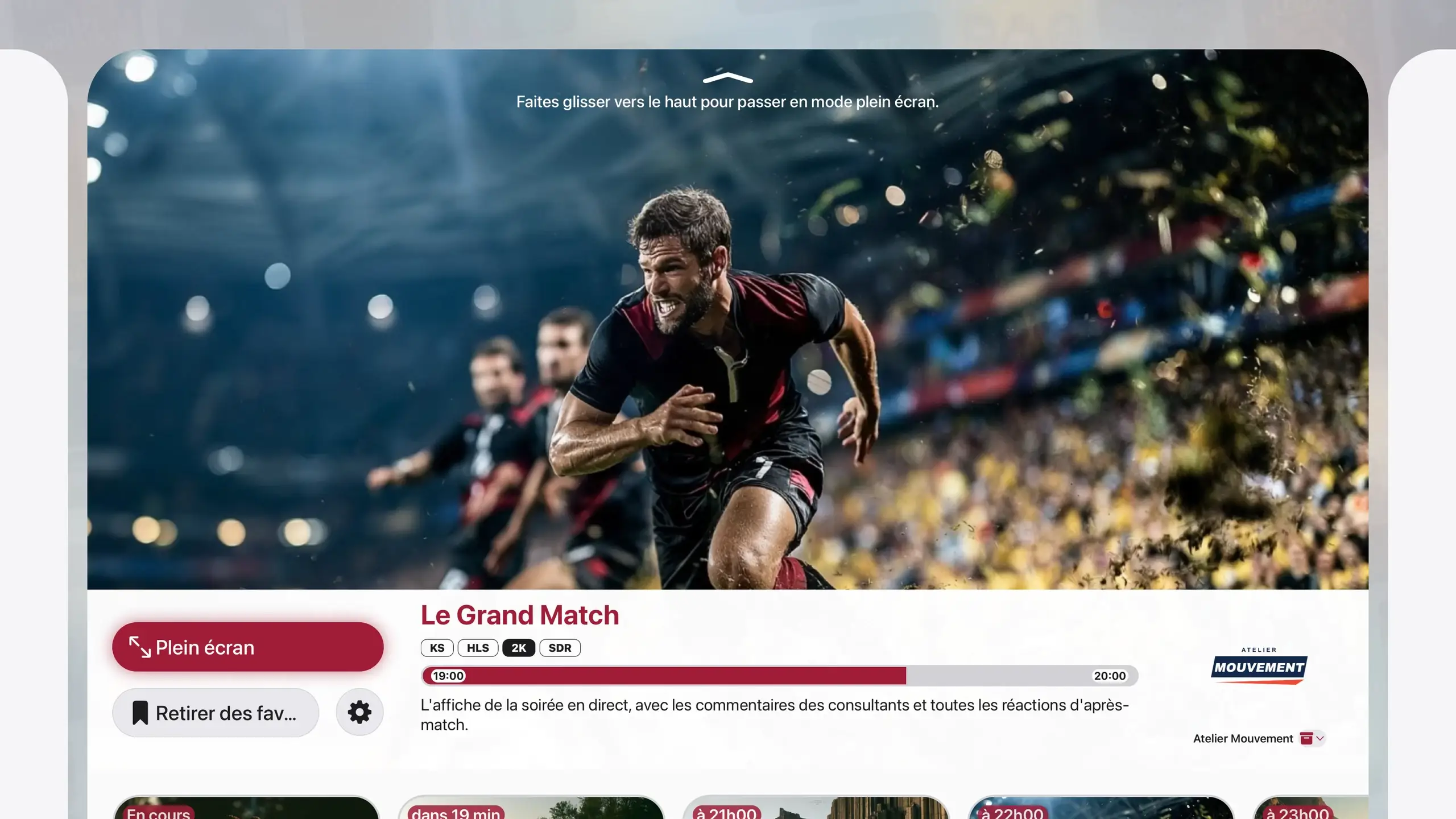
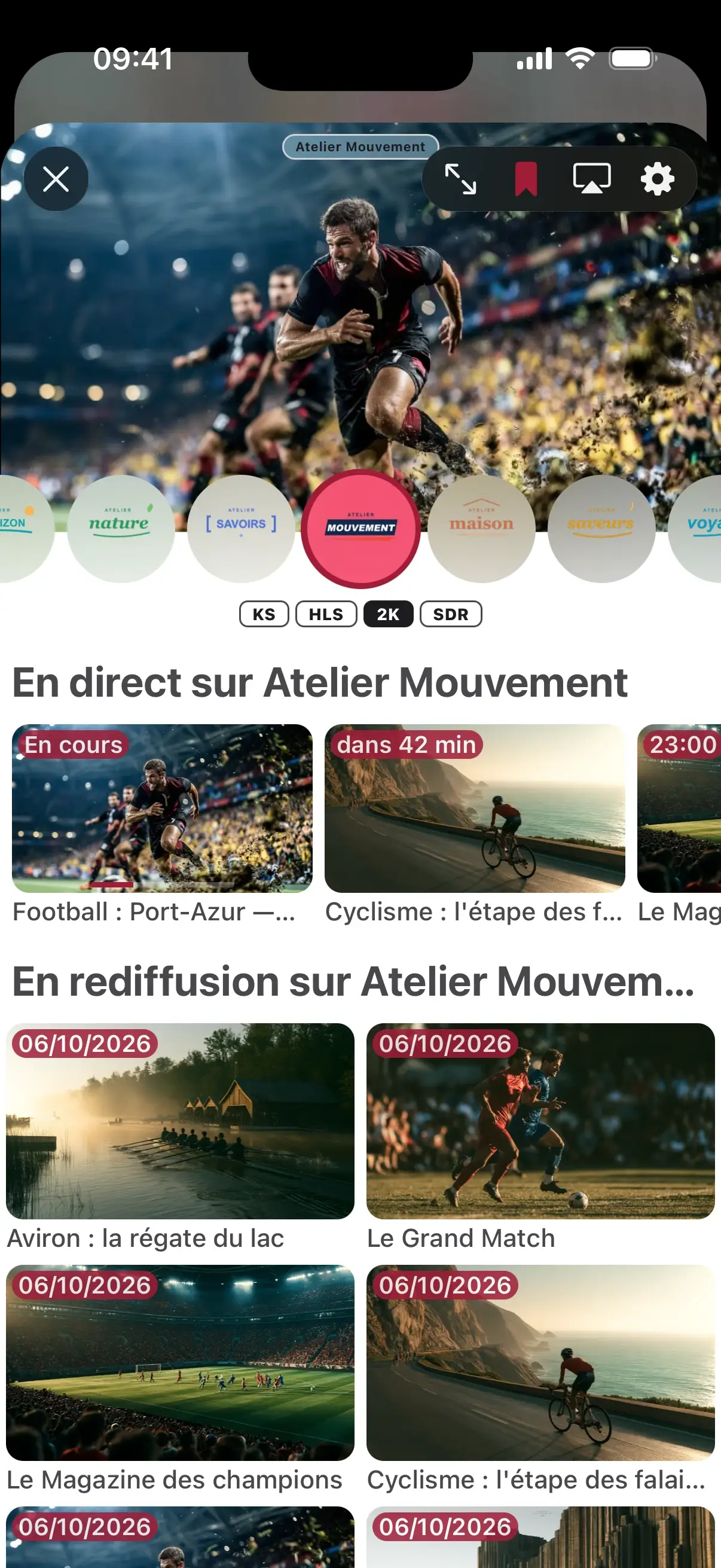

Actual interface · illustrative content
On the phone it is easiest: the playlist then reaches the TV.
SeeClap detects the type on its own and tests the address as you type: a badly copied address is flagged right away.
If your provider gives a guide address, add it: live TV shows what is on and what is next.
PastePhotoQR codeRead the guide
The playlist’s movies and series are recognized and sorted, with posters and seasons in order.
With an XMLTV guide, every channel shows its schedule, and the full-screen guide covers all your channels.
Several playback engines take over from one another to open what others refuse.
One subscription for all your screens.
Trial: 2 minutes per video. Premium follows your account.
Both work: M3U8 is a UTF-8 variant of the same format.
Check the XMLTV address given by your provider; the “TV guide and catch-up” guide walks you through it.
No. SeeClap is a player: it does not provide, sell or recommend any playlist.
SeeClap is a player: it does not provide any channels or movies. You add your own playlist.