 SeeClap
SeeClap Premium
One subscription.All your screens.
Your subscription follows your account: sign in on another screen and it is already Premium.
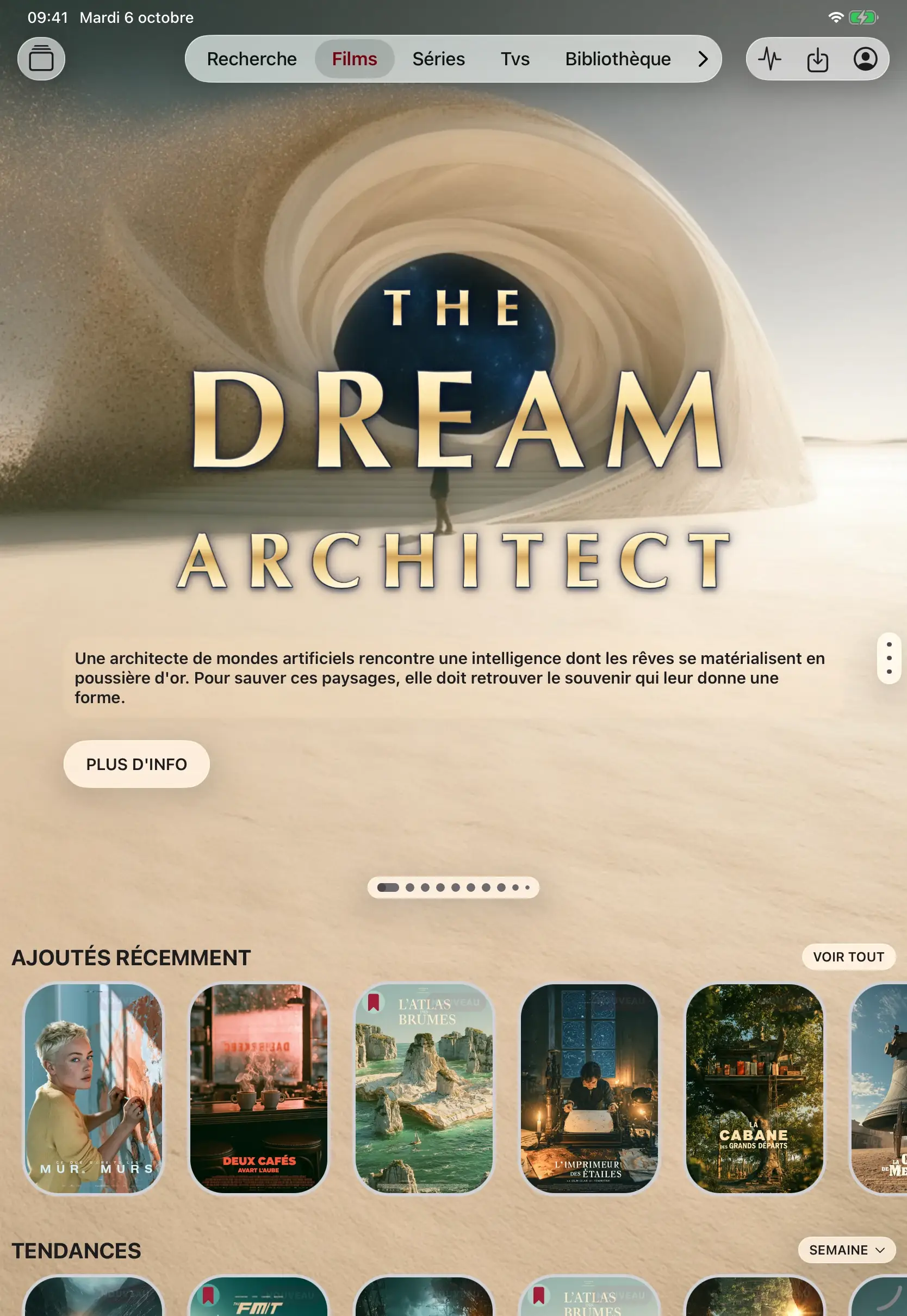
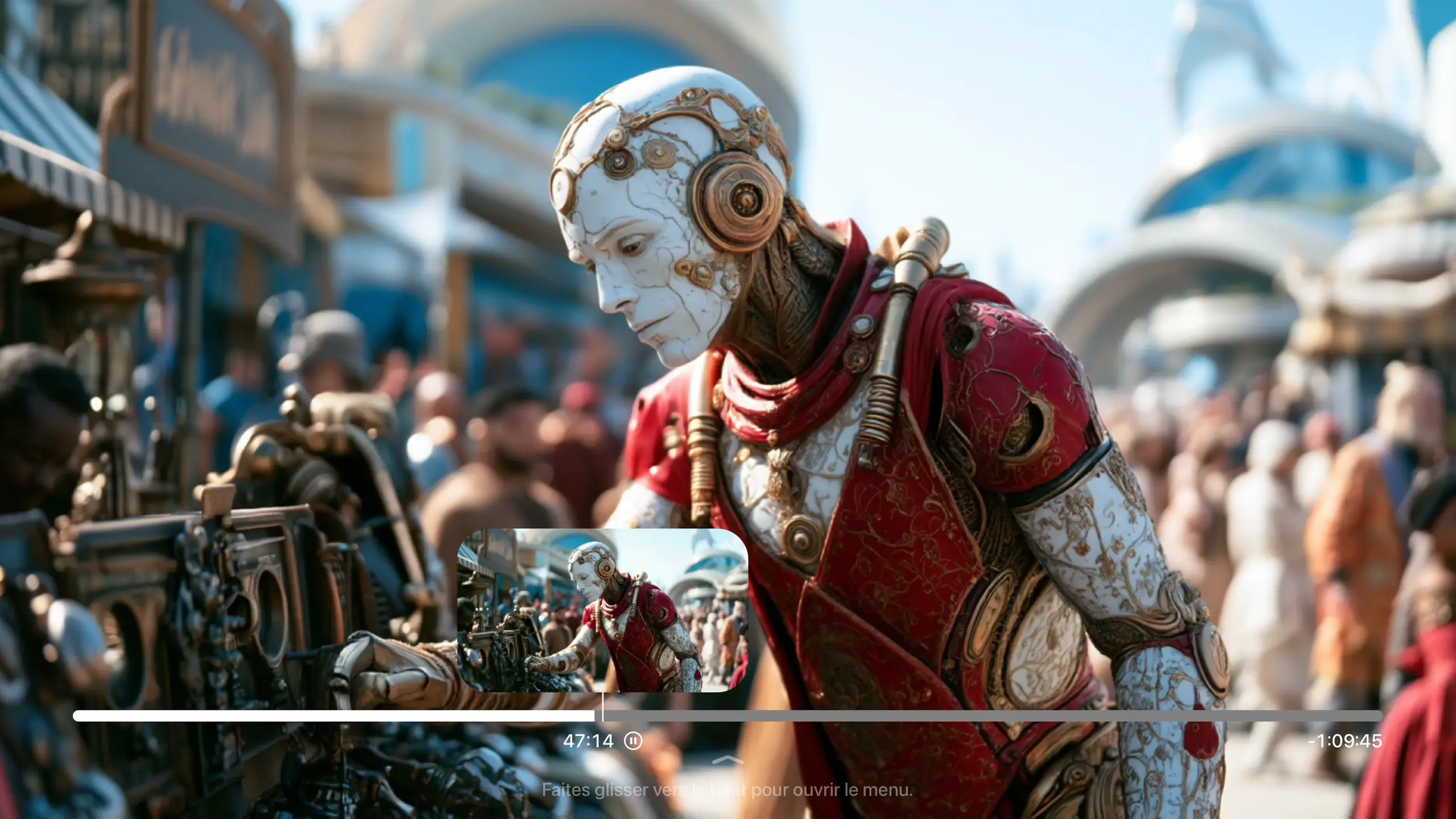
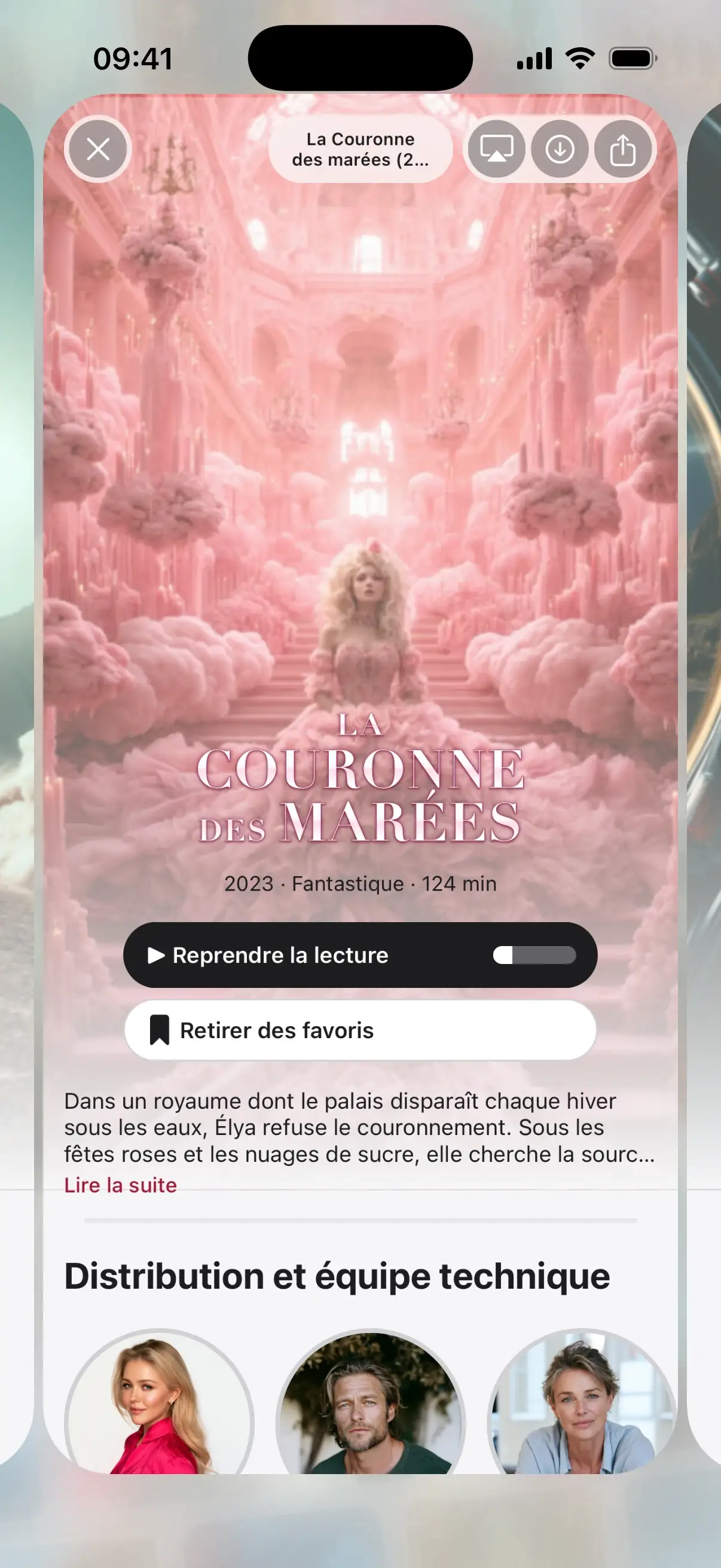
Actual interface · illustrative content
Trial
2 minutes per video
Every feature can be tried with your own playlist.
Premium
All of SeeClap, no limits
One plan, every feature, all your screens.
Everything Premium unlocks.
Watch without limits
Movies, series and channels in full. Several playback engines: MKV, HEVC… SeeClap picks the one that works. Resume to the second and automatic next episode.
A real video library
Your titles recognized, even in a messy playlist. Posters, synopses, cast, collections and trailers. “For you” suggestions computed on your device.
Your lists, on all your screens
Favorites and tags to organize everything your way. History and playback position synced across your devices. Reminders so you never miss a program.
Take it anywhere
Download movies and episodes on your phone or tablet, and watch offline. Picture in picture on iPhone and iPad.
On your TV
The same subscription on Apple TV, Android TV and Fire TV. Resume to the second, even if you started on the phone.
Peace of mind
PIN-protected parental controls, subtitles found in your language, and diagnostics that explain issues in plain words.
Plans
Choose your plan in the app.
The price shown is the one from the App Store or Google Play, in your country and currency. No commitment, cancel anytime.

Fire TV: subscribe from the App Store or Google Play, then sign in to the same account.
- Secure payment through the store
- No commitment
- Restore purchases in one tap
4.8 on the App Store · over 900 ratings (September 2026)
Premium: your questions.
Does Premium give access to channels?
No. Premium unlocks player features, never content. You use your own subscription.
Does my subscription work on my TV?
Yes: sign the TV in to the same SeeClap account.
How do I cancel?
In your App Store or Google Play account settings, at any time.
The subscription renews automatically; cancel it at any time in your App Store or Google Play account settings. SeeClap is a player: it does not provide any channels or content.