 SeeClap
IPTV player for iPhone and iPad
SeeClap on iPhone, iPad and Mac.
Your playlists in your pocket: add them from a photo or QR code, downloads, picture in picture, and resume on the TV.




Actual interface · illustrative content
At a glance
- Devices
- iPhone, iPad, and Apple silicon Mac (M1 and later)
- Playlists
- Xtream Codes, M3U · M3U8 with XMLTV, OneStream, SeeClap local server (beta)
- Adding a playlist
- Form, paste, photo of the email or QR code
- Account sign-in
- Email, then Face ID or Touch ID
- Navigation
- Five tabs on iPhone, sidebar on iPad
- Downloads
- Yes, to watch offline (Premium)
- Picture in picture
- Yes, with background audio (Premium)
- Home screen
- Widget on iPhone
- Theme
- Light, dark or system
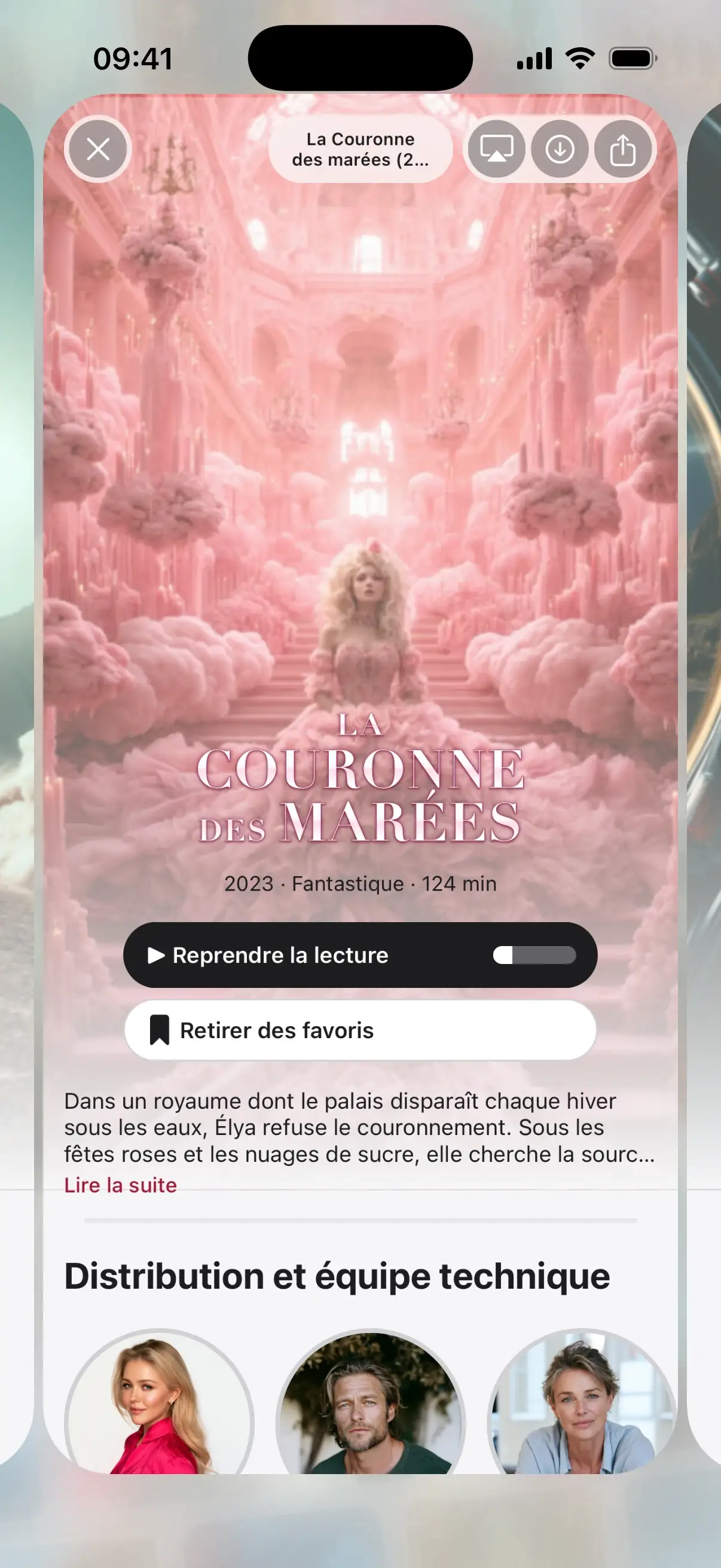
A page for every title.
Poster, synopsis, cast and seasons in order, even in a messy playlist.
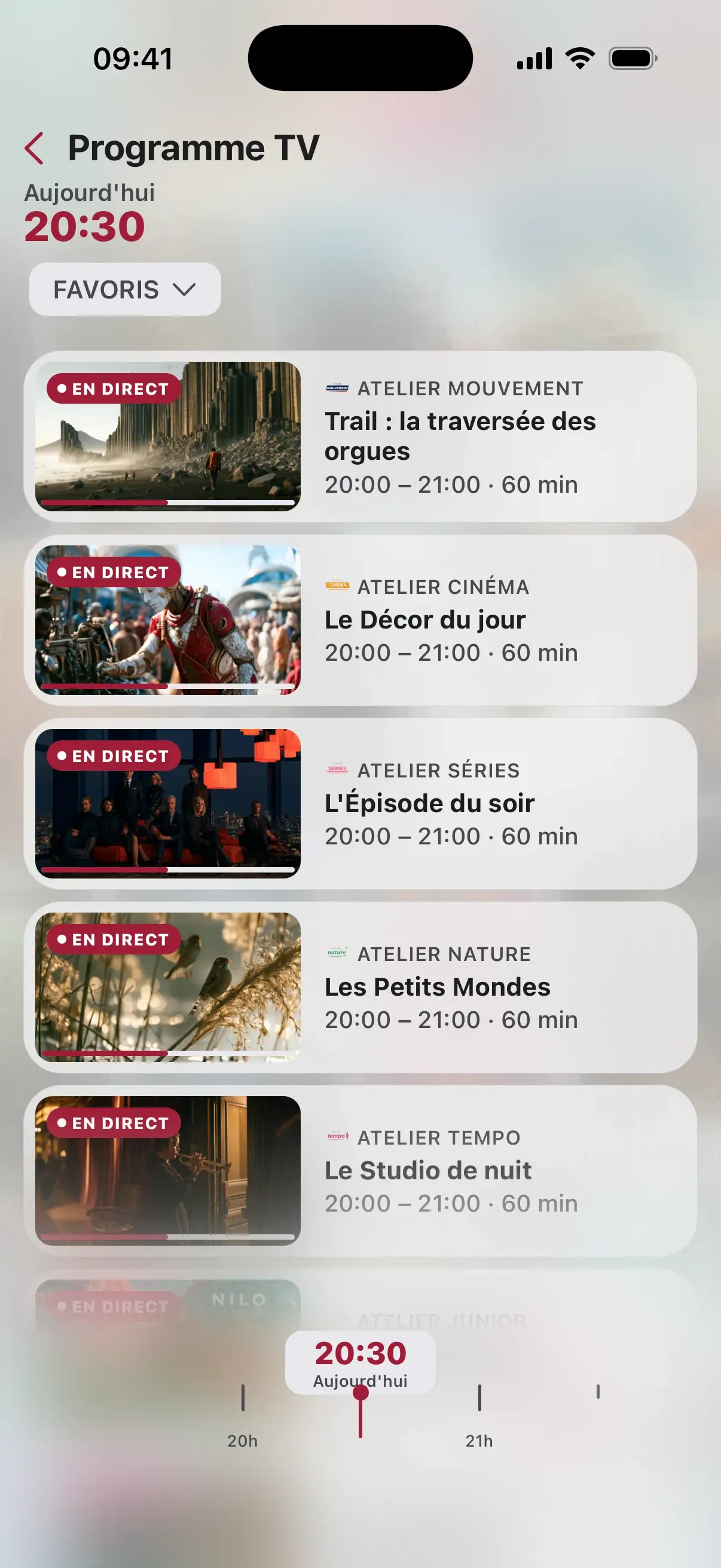
The guide in your pocket.
What is on, what is next, channel by channel, with reminders before your programs.
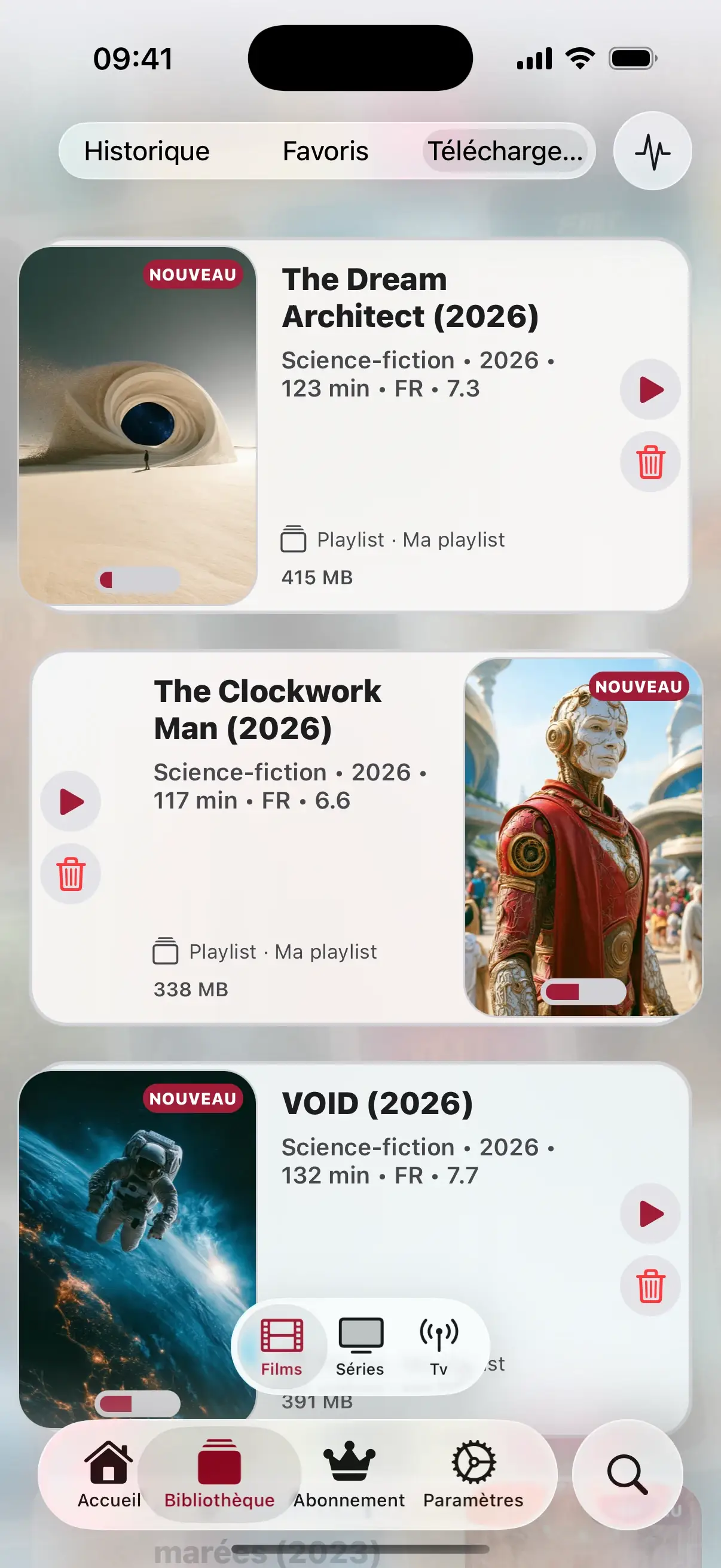
Take it anywhere.
Download movies and episodes, watch offline on the train or the plane.
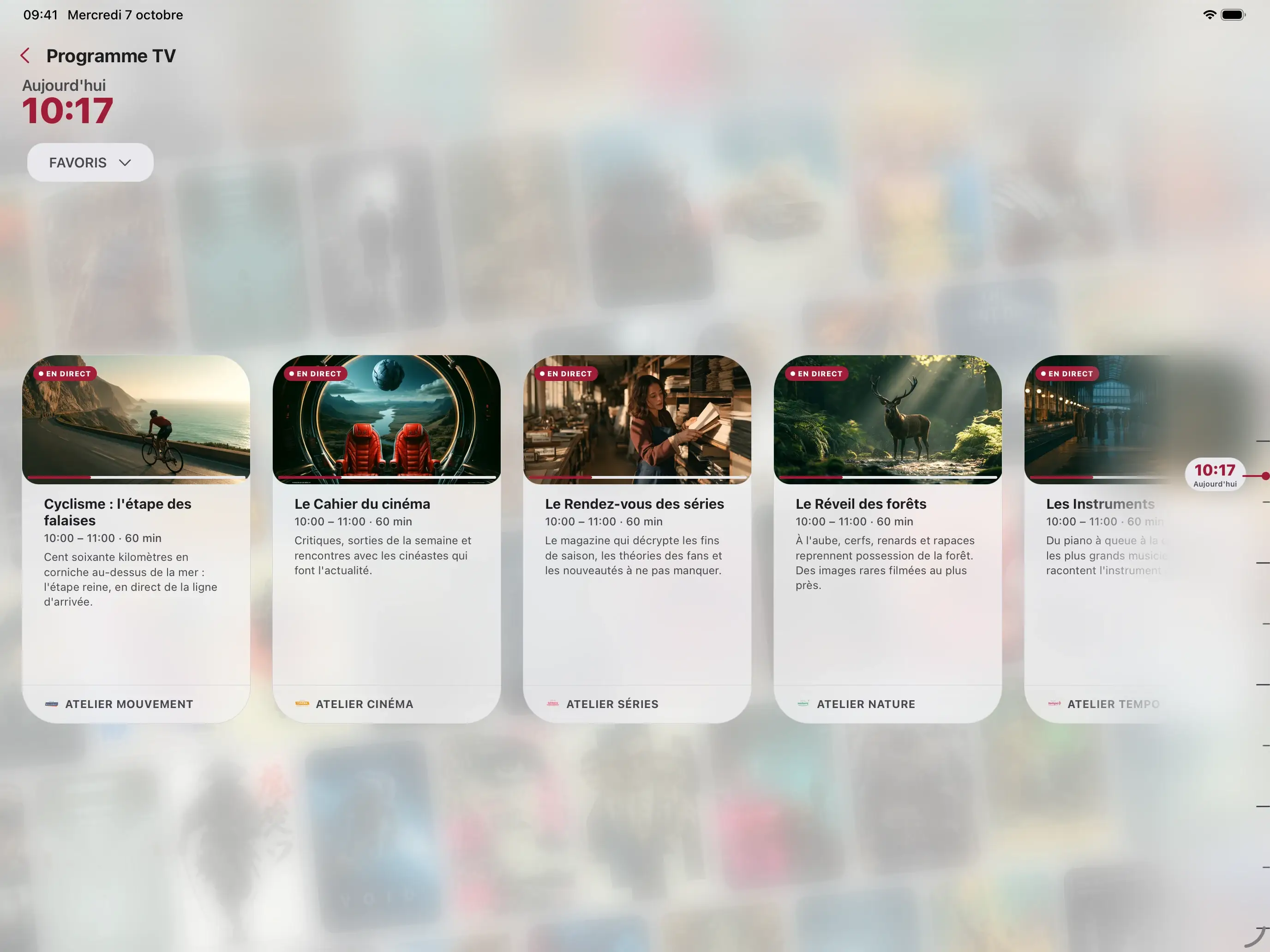

On iPad, the guide goes big.
Sidebar, full-screen guide, and the same app on Apple silicon Mac, in a window.
Setup
Three steps, then play.
Install SeeClap
From the App Store, on iPhone or iPad.
Create your account
It works on all your screens, TV included.
Add your playlist
Paste the address, take a photo of the email or scan the QR code.
One subscription for all your screens.
Trial: 2 minutes per video. Premium follows your account.
Your questions
Is SeeClap available on Mac?
Yes, on Apple silicon Macs: the iPad app installs and opens in a window. No version for Intel Macs.
Can I watch offline?
Yes, with Premium: download movies and episodes on iPhone or iPad.
Does a playlist added on the iPhone appear on the TV?
Yes, within seconds, with the same account.
Does SeeClap provide channels?
No. SeeClap is a player: you use your own subscription.