 SeeClap
IPTV player for Apple TV
SeeClap on Apple TV.
A native app for tvOS 16.4 or later. Your Xtream, M3U and OneStream playlists, driven by the remote.


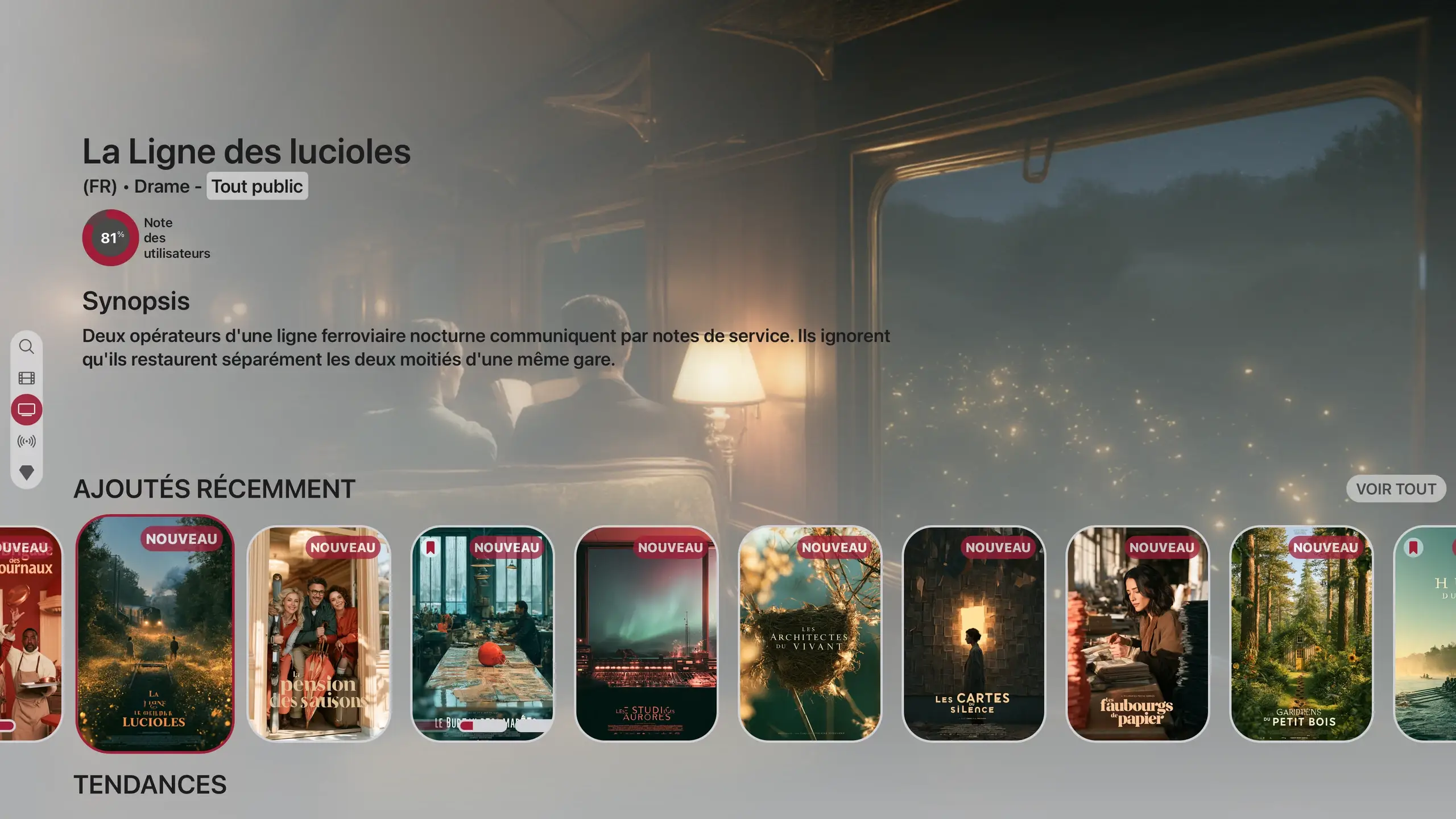

Actual interface · illustrative content
At a glance
- System
- tvOS 16.4 or later
- Playlists
- Xtream Codes, M3U · M3U8 with XMLTV, OneStream, SeeClap local server (beta)
- Account sign-in
- Code or QR code approved on a phone: no password to type
- Adding a playlist
- From the phone, recommended; with the remote keyboard, possible
- Navigation
- Remote-driven bar, native Apple TV search
- Home screen
- SeeClap in the Top Shelf
- Live TV
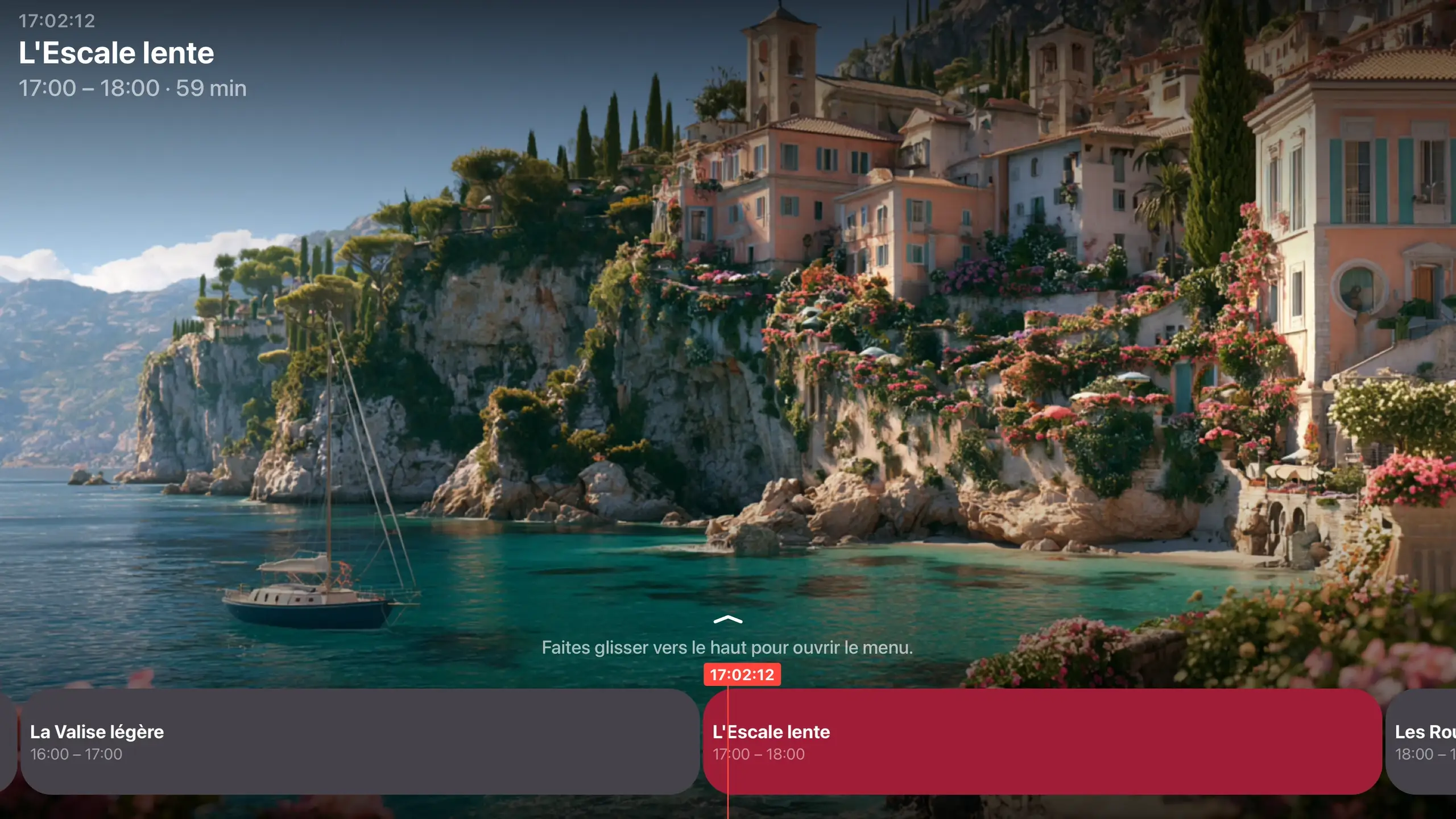
- Guide view in categories, catch-up when your provider offers it
- Downloads
- Not on the TV: on phones and tablets
- Theme
- Light, dark or system
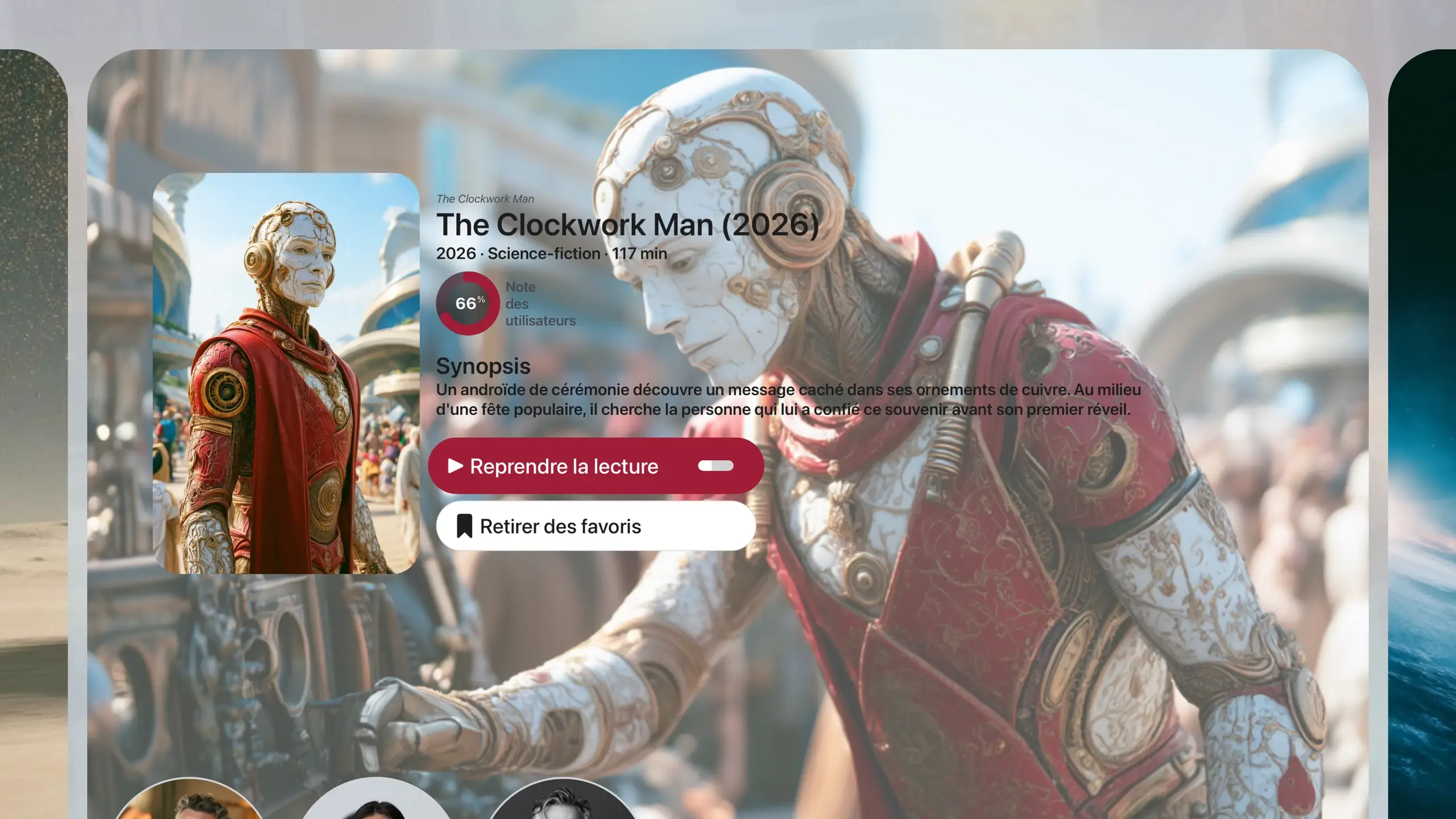
Resume to the second.
“Resume playback” on every movie page, even if you started on the phone.
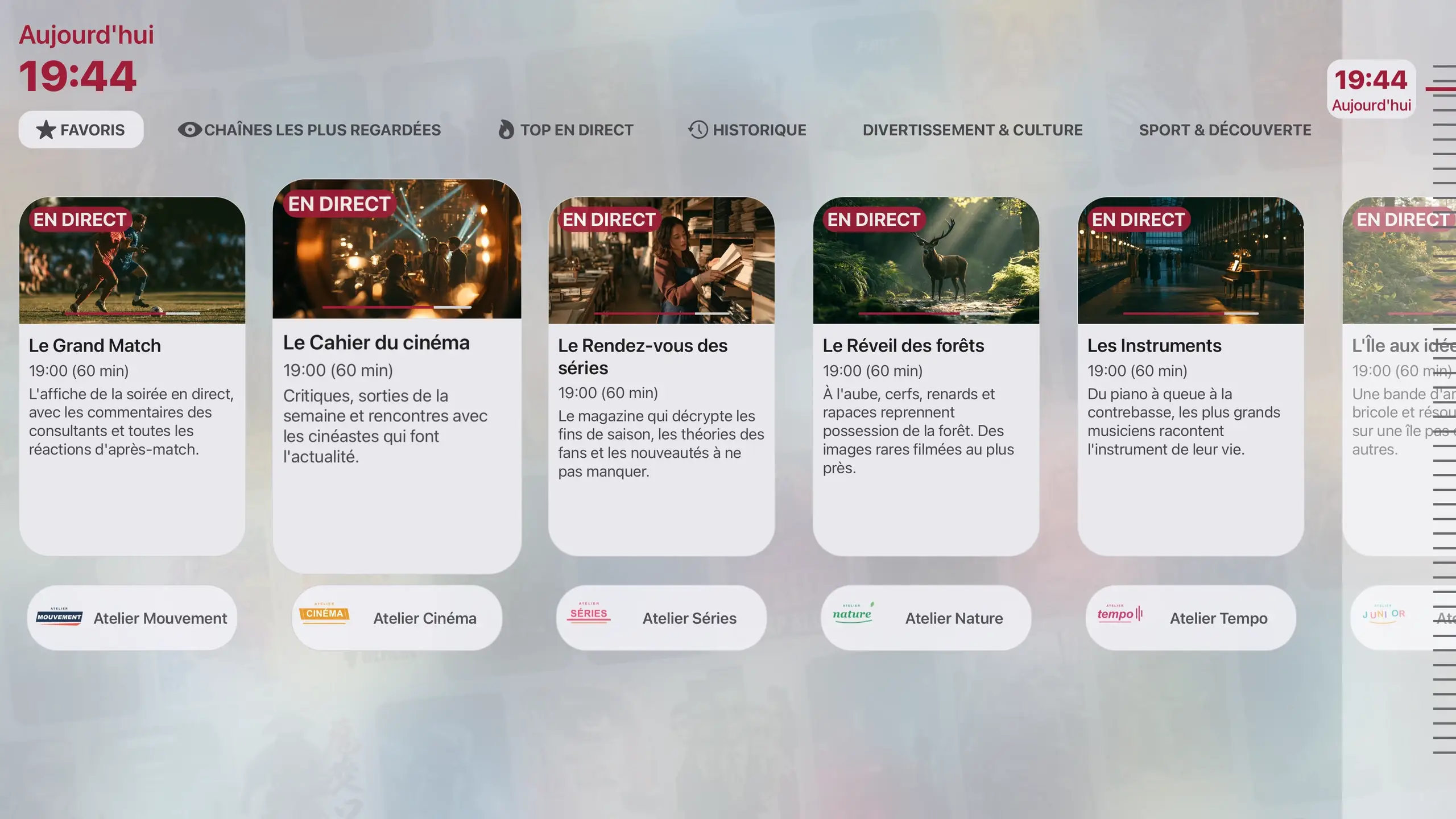
The guide, with the remote.
The Guide view in live TV categories, and a timeline to go back in time when your provider offers catch-up.
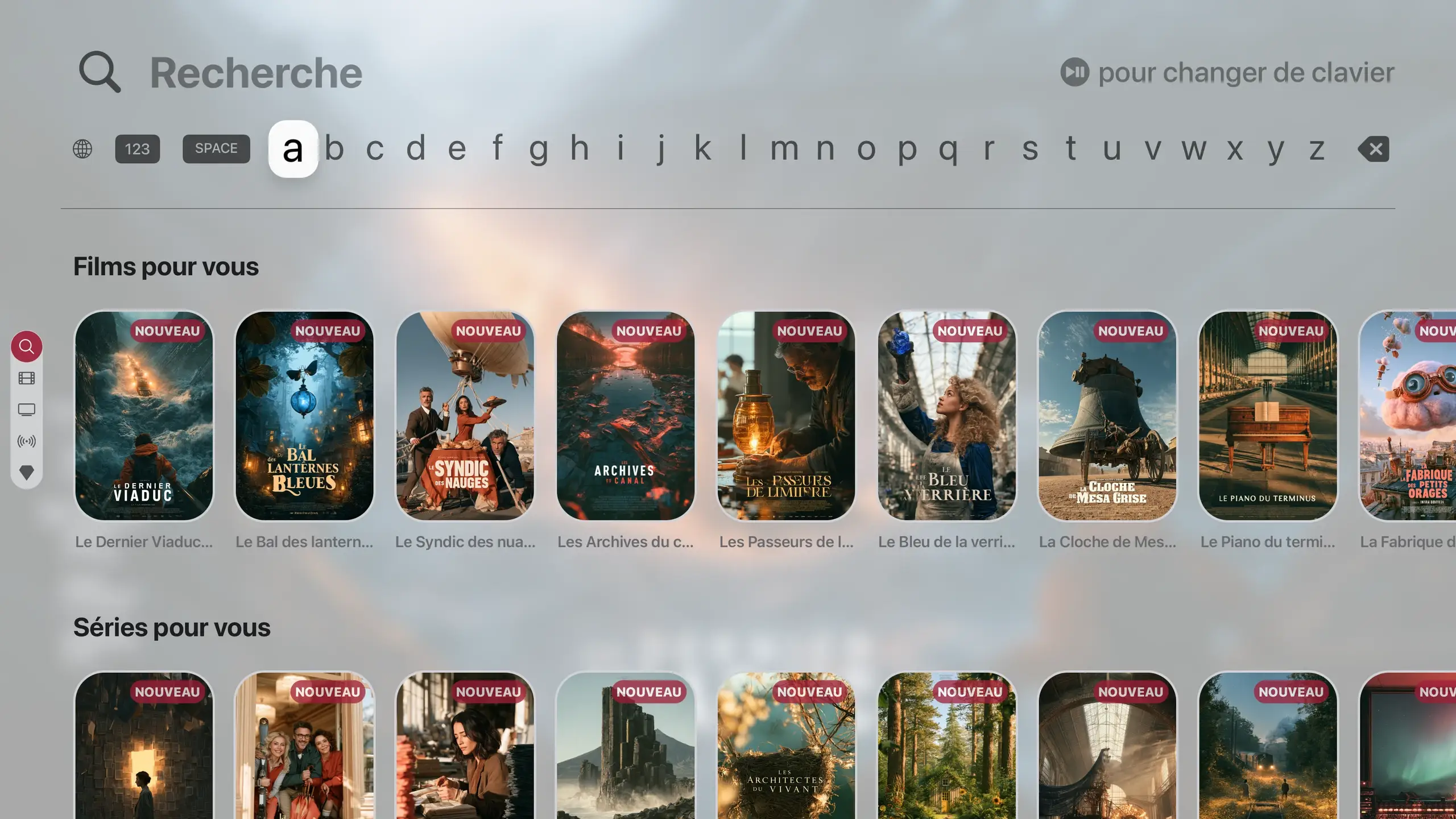
The tvOS keyboard.
Native Apple TV search to find a movie, a series or an actor.
Setup
Three steps, then play.
Install SeeClap
From the App Store on the Apple TV.
Sign the TV in
A code or a QR code appears: approve it on your iPhone. No password to type.
Add your playlist
From the phone: it reaches the TV within seconds.
One subscription for all your screens.
Trial: 2 minutes per video. Premium follows your account.
Your questions
Which Apple TV do I need?
An Apple TV running tvOS 16.4 or later.
Do I have to type my playlist with the remote?
No. Add it from your iPhone: it shows up on the TV.
Can I download movies on the Apple TV?
No: downloads happen on phones and tablets.
Does SeeClap provide channels?
No. SeeClap is a player: you use your own subscription.