 SeeClap
Pages, not file names
Title, year, language and quality are recognized; every movie gets its poster, synopsis and cast.
Xtream Codes
Enter the server address, your username and your password: movies, series and channels arrive sorted, with posters and a program guide.



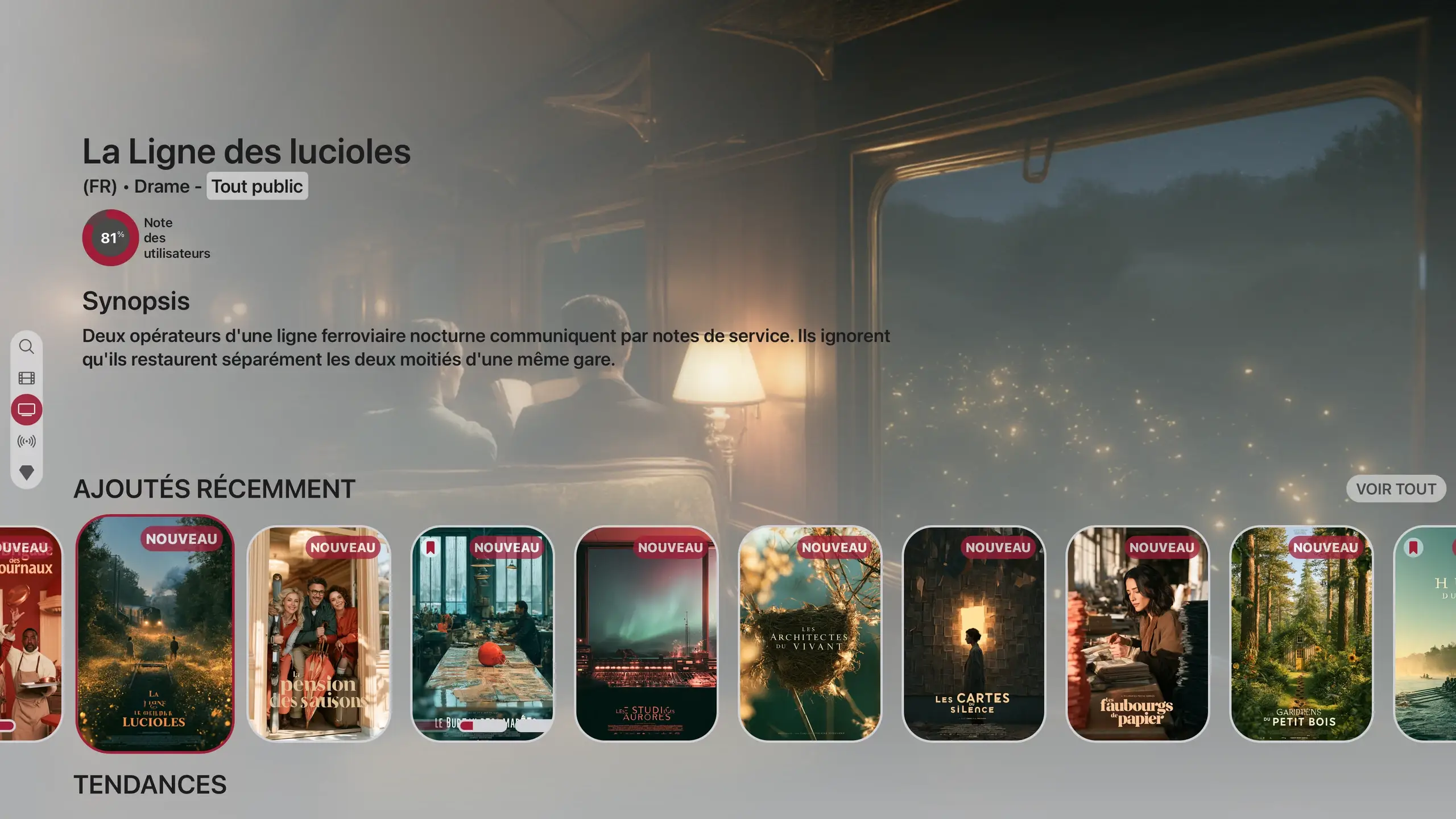
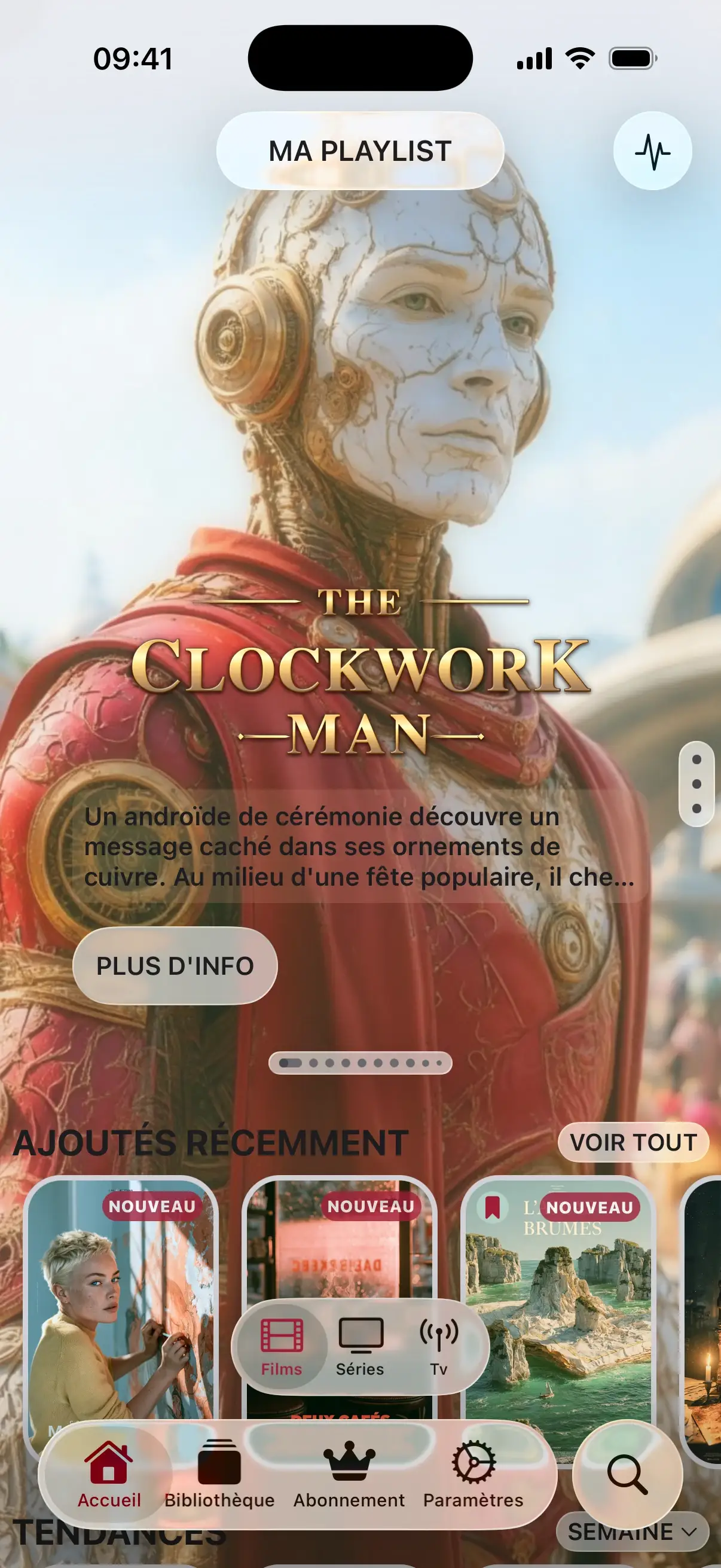

Actual interface · illustrative content
On the phone it is easiest: the playlist then reaches the TV.
A single copy-paste of your provider’s email fills in the address, username and password. Or take a photo of the email, or scan its QR code.
A guided sync prepares movies, series and channels, then the catalog updates on its own.
PastePhotoQR codeRead the guide
Title, year, language and quality are recognized; every movie gets its poster, synopsis and cast.
Your provider’s program guide, channel by channel, and catch-up when it is offered.
They are encrypted with your password: even SeeClap’s server cannot read them.
One subscription for all your screens.
Trial: 2 minutes per video. Premium follows your account.
If your provider gives you an address, a username and a password, choose Xtream: the catalog arrives better organized. SeeClap detects the type on its own anyway.
Up to 4 provider playlists per account; the SeeClap local server does not count.
No. SeeClap is a player: it does not provide, sell or recommend any subscription.
SeeClap is a player: it does not provide any channels or movies. You add your own playlist.